
What Is IT Support? A Plain-English Guide
Understanding How IT Support Keeps Your Business Running
IT support covers the people and processes that keep your computers, networks, and software working so your business can operate without interruption. Coast2Coast MSP provides IT support throughout the Tampa Bay area, including Tampa, Brandon, Riverview, Clearwater, St. Petersburg, Wesley Chapel, Plant City, and Lakeland.
Whether you need help desk assistance for a small team or full technology management for a growing company, IT support can be shaped to fit your business, your goals, and your budget.
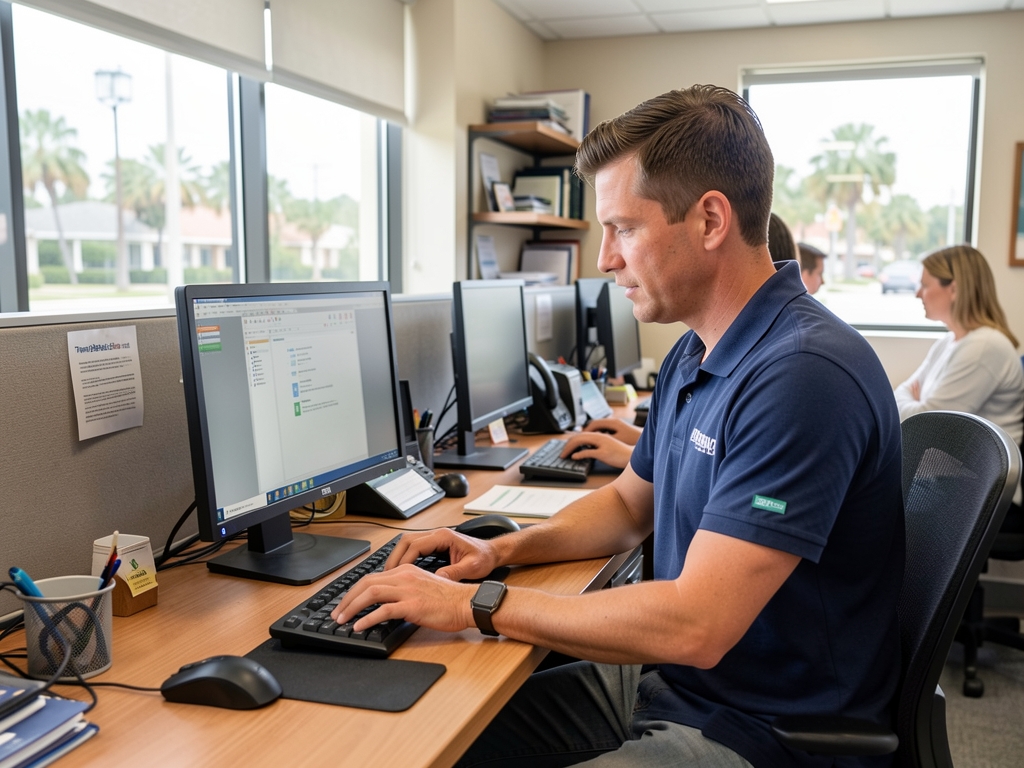
IT support is the help provided to keep computers, networks, software, and other technology working the way a business needs it to. It includes troubleshooting problems, answering technical questions, setting up equipment, applying updates, and resolving issues that stop employees from getting work done. For many businesses, it is the foundation that everything else in the office depends on.
The Basics: What IT Support Actually Means
At its core, IT support is about keeping technology usable. That means fixing a computer that won’t start, restoring access to a shared drive, troubleshooting a printer, or helping an employee who is locked out of an account. It also covers less visible work, like applying software updates and making sure devices are configured correctly from the start.
Some businesses handle this internally with their own staff. Others rely on an outside provider, sometimes called a help desk or an IT support company, to handle these requests as they come in.
IT Support vs. Managed IT Services
These two terms get used interchangeably, but they are not quite the same thing. IT support usually refers to the reactive, hands-on side of technology: something breaks, and support fixes it. Managed IT services is a broader model that includes IT support along with ongoing monitoring, cybersecurity, data backup, cloud management, and longer-term technology planning.
In other words, IT support is often one part of a managed IT services plan, not a replacement for it. A business can have great IT support and still be exposed to risk if nobody is watching for security threats or making sure backups are working. That is why many companies choose a provider who ties reactive support together with proactive protection, as described on our managed IT services page.
Common Types of IT Support
- Help desk support: Answering questions and resolving day-to-day issues, often by phone, email, or remote connection.
- On-site support: Sending a technician to a location when a problem can’t be resolved remotely.
- Network support: Keeping internet connections, Wi-Fi, and internal networks running properly.
- Software and account support: Helping with programs like Microsoft 365, password resets, and user account management.
- Hardware support: Setting up, repairing, or replacing computers, servers, and related equipment.
Most businesses need a mix of these, and the right combination depends on how the company uses technology day to day.
Why IT Support Matters for a Business
When technology stops working, business stops too. An employee who can’t log in, a network that goes down, or a system that won’t sync can bring work to a halt until someone fixes it. IT support exists to reduce how often that happens and to shorten the disruption when it does.
Good IT support also means fewer surprises. Instead of waiting until something fails, a support provider can flag warning signs early, whether that’s a computer running low on storage or a device that’s overdue for an update. Proactive monitoring, as opposed to purely reactive fixes, is what separates basic support from a more mature technology partnership.
Is IT Support the Same for Every Business?
No. A five-person office and a fifty-person company have very different support needs. Factors like the number of employees, devices, locations, and the software a business relies on all shape what kind of support makes sense. Some businesses need full-time coverage; others need occasional help or support that works alongside an internal team.
This is also why IT support pricing varies so much from one business to the next. Cost depends on the number of users and devices, the systems involved, the level of coverage needed, and whether cybersecurity or backup services are included. A provider should build a plan around what a business actually uses rather than a one-size-fits-all package.
How Coast2Coast MSP Can Help
Coast2Coast MSP provides IT support and managed IT services for businesses throughout Tampa, St. Petersburg, Clearwater, Brandon, Riverview, Wesley Chapel, Plant City, and Lakeland. Whether a business needs day-to-day help desk support, additional capacity for an internal IT team, or a fully managed technology partner, we build a plan around the way the business actually operates. Visit our services page to see the full range of support available, or reach out directly to talk through what your business needs.
IT Support FAQ
Learn more about what IT support includes, how it differs from managed IT services, and how Coast2Coast MSP supports businesses throughout Tampa Bay and Central Florida.
What is IT support, exactly?
IT support is the help provided to keep computers, networks, software, and other technology working properly. It can include troubleshooting problems, answering user questions, setting up new equipment, applying updates, and resolving issues that stop employees from doing their jobs.
How is IT support different from managed IT services?
IT support usually refers to the hands-on help desk side of technology, such as fixing a problem when something goes wrong. Managed IT services is broader and includes ongoing monitoring, cybersecurity, backups, and planning, in addition to that day-to-day support.
What areas does Coast2Coast MSP serve?
Coast2Coast MSP provides IT support throughout Tampa, Brandon, Riverview, Clearwater, St. Petersburg, Wesley Chapel, Plant City, Lakeland, and the wider Tampa Bay area.
Can you support our existing internal IT team?
Yes. Coast2Coast MSP can provide co-managed IT support for organizations that already have internal technology staff, including help desk coverage, monitoring, cybersecurity, and additional technical capacity when your team needs support.
What does an IT support plan usually include?
IT support may include help desk assistance, remote troubleshooting, system monitoring, network management, user account management, and general maintenance. The exact scope depends on your business needs and infrastructure.
How quickly does IT support respond to a problem?
Response times depend on the urgency and impact of the issue. Problems that affect multiple employees or essential systems receive priority. Proactive monitoring can also help identify and address certain issues before they disrupt your business.
Does IT support include cybersecurity?
Cybersecurity is closely tied to IT support. Coast2Coast MSP can help protect devices, user accounts, networks, and business data through layered security tools, monitoring, backup, access controls, and practical security guidance.
How much does IT support cost?
IT support pricing depends on factors such as the number of users, devices, locations, systems, and the level of coverage needed. Coast2Coast MSP creates a customized plan based on your organization so you receive the right level of support without paying for unnecessary services.
Looking for IT Support in Tampa Bay?
Stop reacting to technology problems and start building IT support that fits your business, employees, and long-term growth.
Coast2Coast MSP provides IT support, cybersecurity, cloud management, network support, and strategic technology guidance for businesses throughout Tampa Bay and Central Florida.
Whether you need day-to-day help desk support or a fully managed IT partner, contact us to discuss your organization and the level of support you need.
Serving businesses throughout Tampa, Tampa Bay, Brandon, Riverview, Clearwater, St. Petersburg, Wesley Chapel, Lakeland, and Plant City.
Tell Us About Your IT Needs
Complete the form and a member of the Coast2Coast MSP team will contact you to discuss your business and technology requirements.